
Top Free Stock Photo Platforms for Students & Beginners (Complete Guide)
In today’s digital world, visuals are no longer optional — they are essential. Whether you are preparing a class assignment, university project, presentation, marketing design, or learning a digital skill like Canva, AI Prompt Engineering, Social Media Marketing, or Web Development, you will always need high-quality images.
STUDY TIPS
M.Atif Yaseen
11/24/20253 min read
In today’s digital world, visuals are no longer optional — they are essential. Whether you are preparing a class assignment, university project, presentation, marketing design, or learning a digital skill like Canva, AI Prompt Engineering, Social Media Marketing, or Web Development, you will always need high-quality images.
But most beginners struggle with one big question:
Where can I get free, legal, high-quality photos for my work?
Good news: There are many free stock photo platforms that allow you to download and use images legally — without copyright issues.
This guide covers everything a newcomer should know:
Best free stock photo platforms (with links)
Licensing & usage rights
Major features
What beginners should avoid
Tips to use images professionally
What Is a Stock Photo Platform?
A stock photo platform is a website where photographers upload pictures for public or commercial use. Many platforms offer completely free downloads with easy licensing, especially for students and freelancers.
These images are ideal for:
Study notes
Classroom activities
Assignments
Presentations
Social media content
Website designing
Marketing projects
YouTube thumbnails
Blog posts
Top 10 Free Stock Photo Platforms
Below are trusted, globally recognized platforms — safe for students, creators, freelancers, and institutes.
1. Unsplash - https://unsplash.com/
Best for: General photos, landscapes, buildings, portraits, creative design
License: Free for personal & commercial use (No attribution required)
Features:
Over 5 million high-resolution photos
Modern and aesthetic visuals
Easy search filters (color, orientation, category)
Ideal for Canva and social media projects
2. Pexels - https://pexels.com/
Best for: Professional lifestyle photos, videos, business themes
License: Free to use; no credit required
Features:
Includes free stock videos
Strong collection for marketing, branding & ads
Easy to integrate with Canva
3. Pixabay - https://pixabay.com/
Best for: Illustrations, vectors, icons, 3D graphics
License: Pixabay License (similar to free commercial use)
Features:
Over 4 million files
Includes music and sound effects
Great for bloggers and educators
4. Freepik - https://freepik.com/
Best for: Vectors, PSDs, templates, icons
License: Free with attribution (Premium removes credit requirement)
Features:
Huge library of editable files
Very useful for design students (Canva, Photoshop, Illustrator)
5. Canva Free Media Library https://canva.com/
Best for: Ready-to-use images for designs
License: Free tier available; some items require Pro
Features:
Integrated images, shapes, icons, and videos
Perfect for fast content creation
Great for teachers and students creating presentations
6. StockSnap.io - 🔗 https://stocksnap.io/
Best for: Fresh, trending photography
License: Creative Commons CC0 (Free for commercial use)
Features:
Updated weekly
Large variety of lifestyle and travel photos
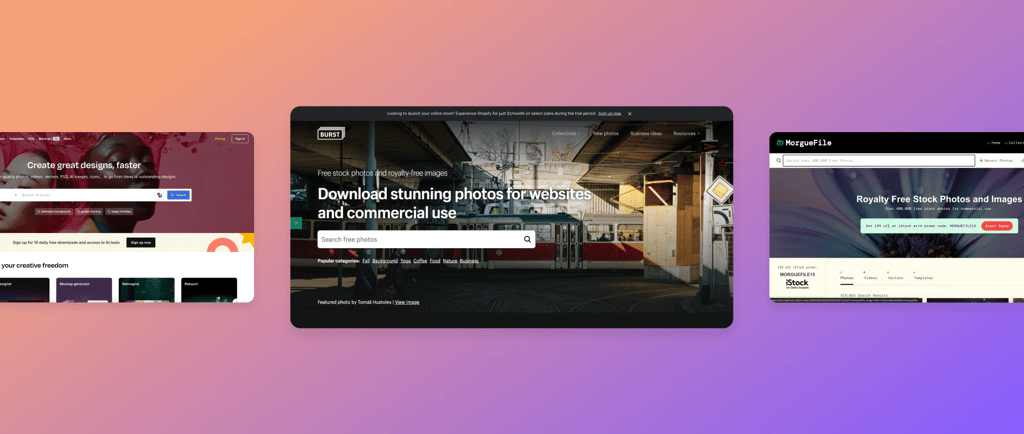
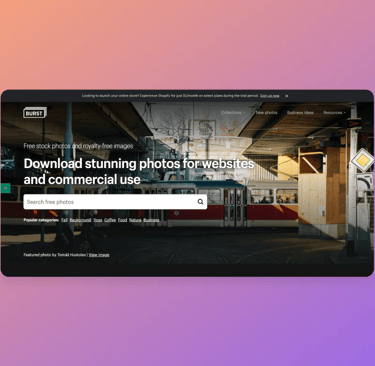
7. Burst by Shopify - https://burst.shopify.com/
Best for: E-commerce photos (products, models, business themes)
License: Free for personal & commercial use
Features:
Ideal for Amazon, Shopify, and dropshipping content
High-quality product shots
8. Kaboompics - https://kaboompics.com/
Best for: Aesthetic lifestyle, interior design, fashion
License: Free (Attribution not required but appreciated)
Features:
Color palette extracted from every photo
Great for branding and mood boards
9. Life of Pix - https://www.lifeofpix.com/
Best for: Artistic photography
License: Free with no copyright restrictions
Features:
Professional-grade photos
Partner website “Life of Vids” offers free stock videos
10. Rawpixel - https://rawpixel.com/
Best for: Vintage illustrations, unique creative images
License: Free for limited downloads; premium available
Features:
Public domain image collections
Artistic, craft-style visuals
Understanding Stock Photo Licenses (Beginner Must-Read)
Before downloading any image, understand these terms:
1. Free for Personal Use
You can use it for:
Assignments
Class projects
Social media posts
2. Free for Commercial Use
You can use it for:
YouTube thumbnails
Business websites
Ads
Marketing content
3. Attribution Required
Some platforms ask you to give credit like:
Photo by Name/Platform
(Freepik often requires this for free users)
4. CC0 License
The safest license — pure public domain.
Use anywhere, even commercial, without credit.
Platforms like Pexels, StockSnap.io, Pixabay offer CC0 photos.
Common Mistakes Students Should Avoid
❌ Downloading random Google Images (may cause Copyright strike)
❌ Using copyrighted photos in YouTube thumbnails
❌ Using licensed images in commercial ads without permission
❌ Changing a copyrighted image and assuming it is now legal
❌ Using images from Instagram or Pinterest without rights
Tips to Use Images Professionally (Especially for Students)
✔ Use high-resolution photos (1200+ px)
✔ Prefer CC0 or Commercial-use allowed images
✔ Always check the license section
✔ Avoid using faces of people in commercial ads (privacy concern)
✔ Use Canva or Photopea to edit images
✔ Maintain a reference list for academic projects
Final Words
Free stock photo platforms are a blessing for students, freelancers, educators, and beginners in digital skills. These websites allow you to create high-quality designs, presentations, projects, and marketing content without breaking any copyright rules.
If you are part of an institute or learning environment like Think Tech, these platforms will support your study journey and help you build professional-quality work from day one.